|
4 min read
Setting up auto-crawl for your AI Chat: always up-to-date answers
Read more



Are you ready to enjoy the benefits of Wappy? With this guide, you'll have the widget installed on Shopify in no time.
Last updated: 12 Feb 2026
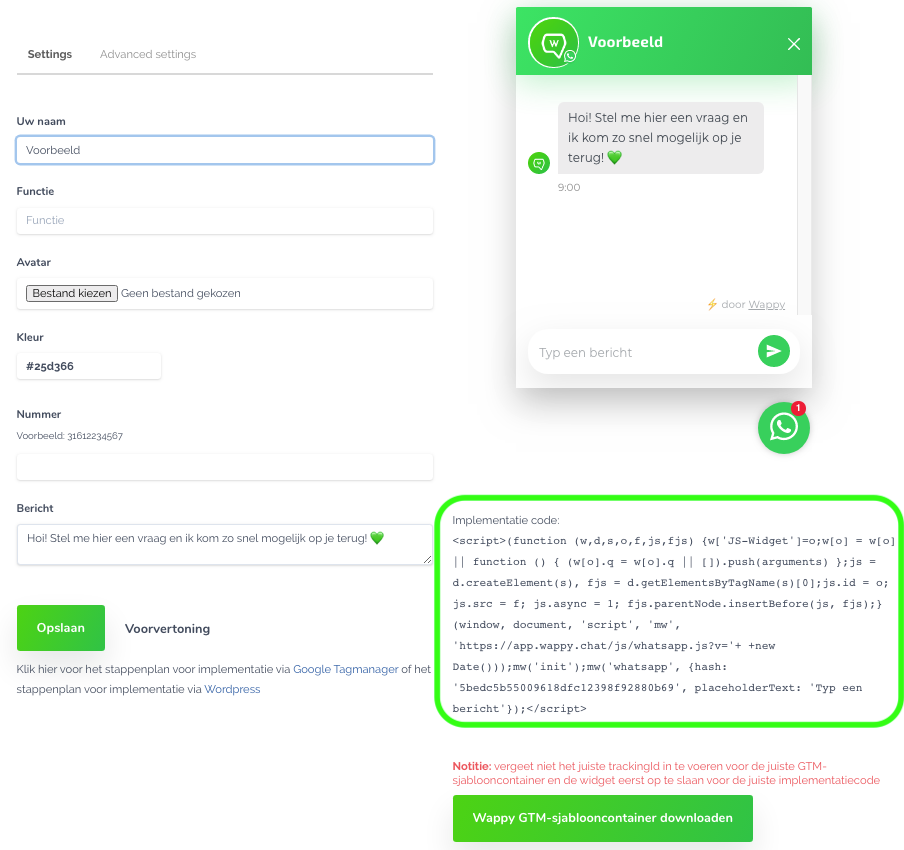
To install your WhatsApp widget directly via Shopify, you can follow these 5 steps. We start by installing an app and then implementing the code of your widget. You can find this in your account. Click on your widget and you will see the implementation code at the bottom right of your screen. Copy this in advance, as you will need it in step 5.
Go to your Shopify webshop and log in. You can now click on 'Apps' in the menu on the left.
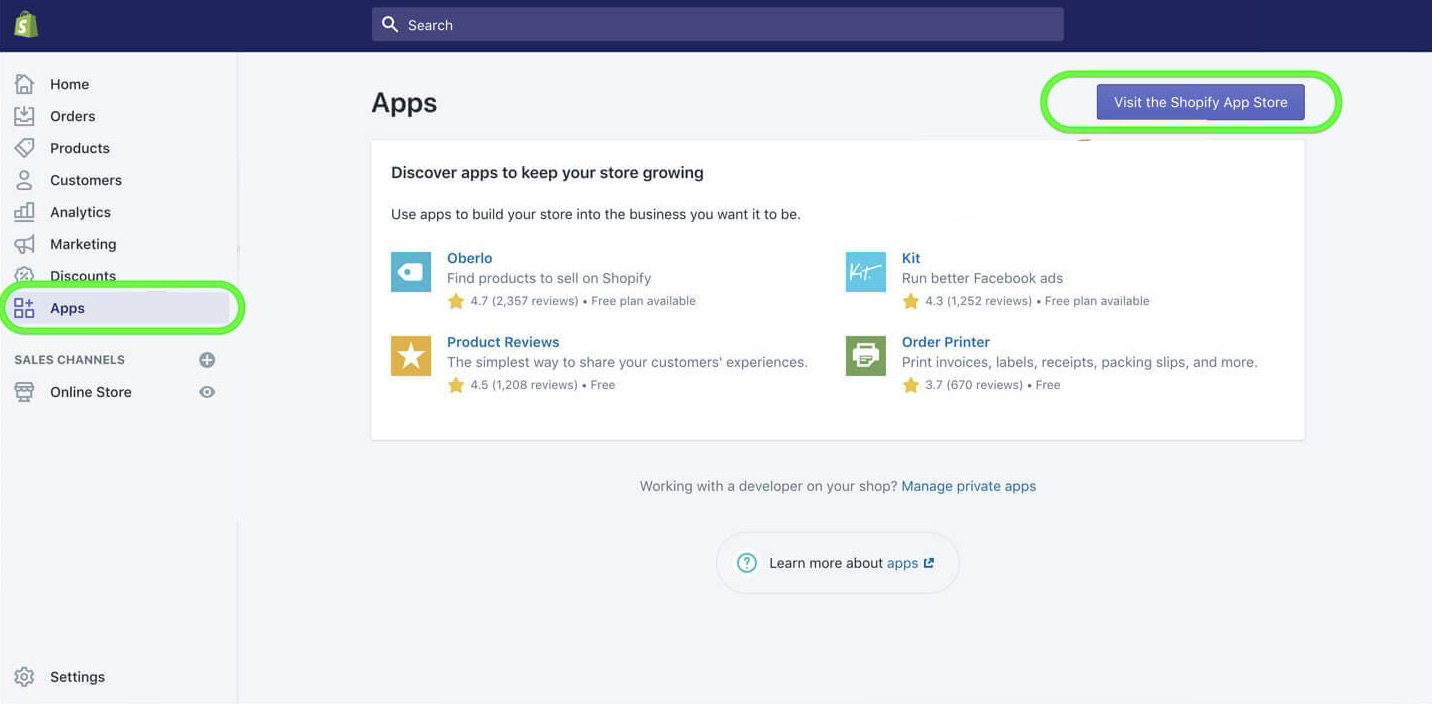
Click the purple button in the top right to go to the Shopify App Store.
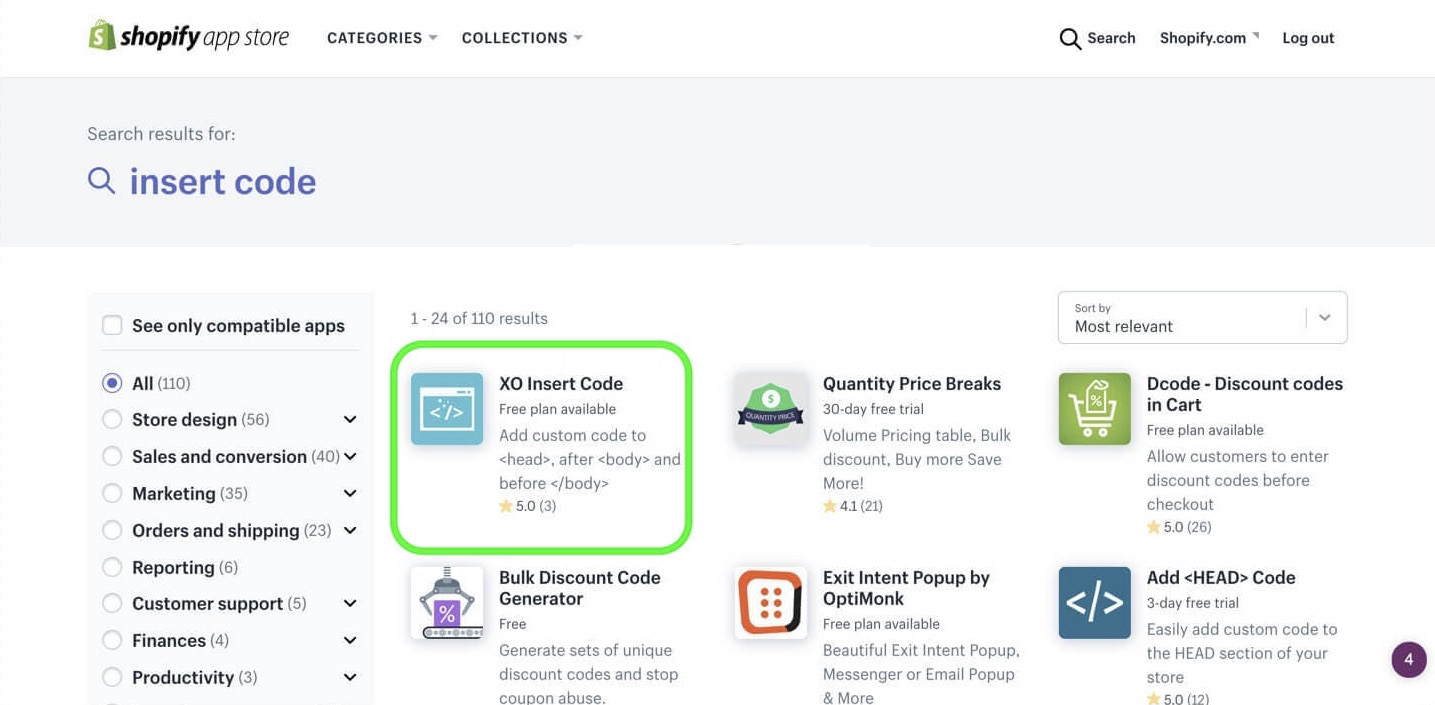
Search in the App Store for 'insert code'. Press enter and choose the app XO Insert Code.
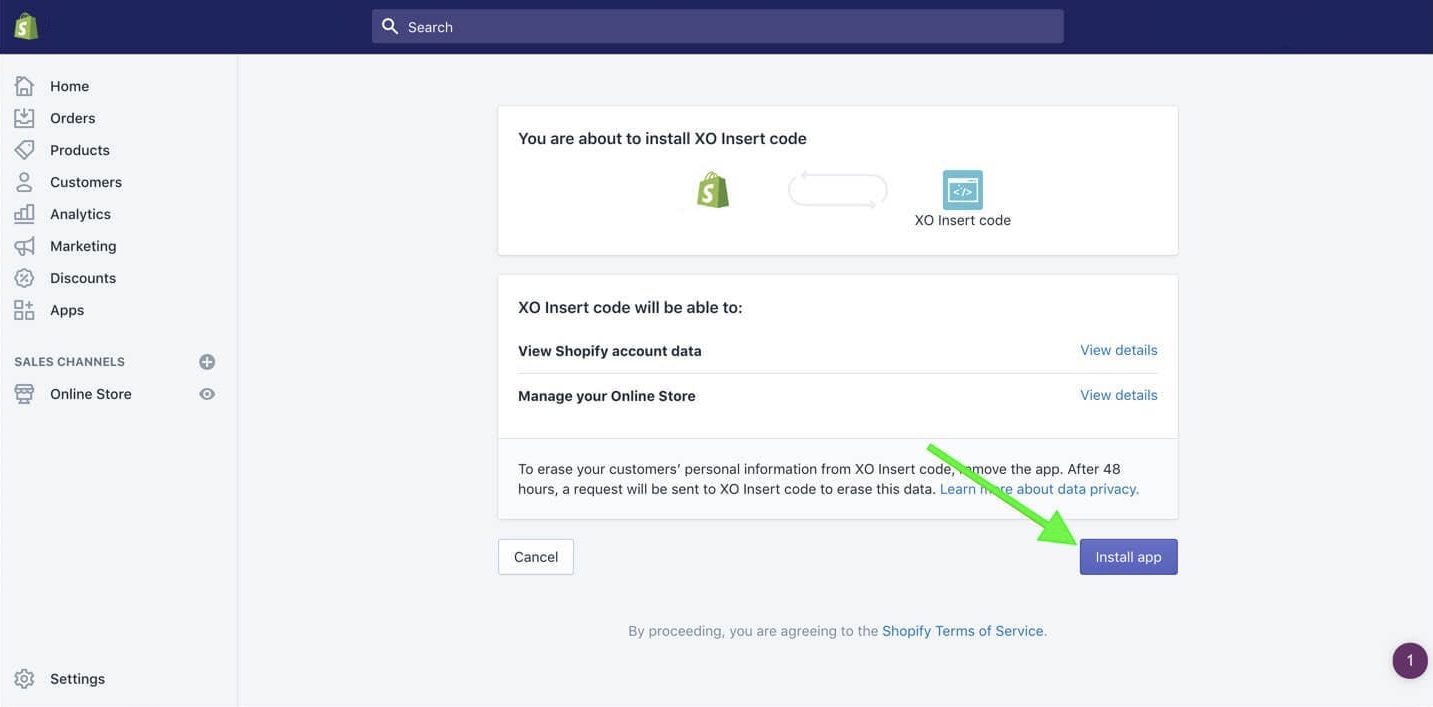
Click on the purple button with the text 'Add app' and then at the bottom right of your screen on 'Install app'.
Activate the application now by clicking the purple button 'Enable'.
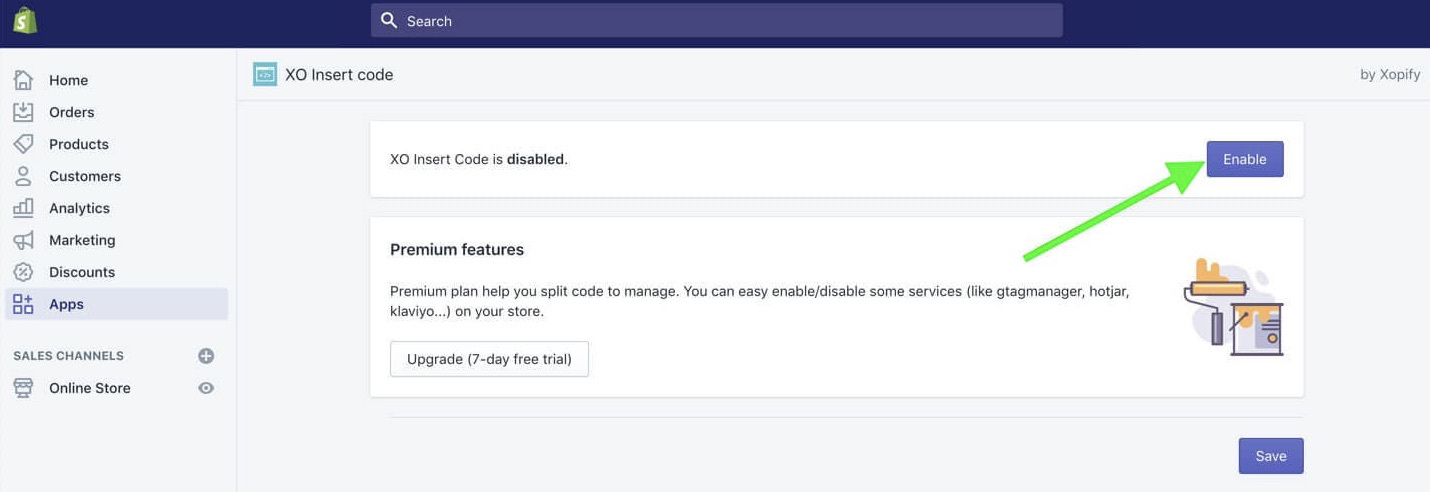
Scroll down until you reach the 'Code in body' block. Paste the implementation code of the widget here. You can now save the code by scrolling a bit further down. Wappy's WhatsApp widget is now on your website!

niice
Wappy helps businesses connect with website visitors through WhatsApp. With over 2,400 websites using our widget, we share practical tips on WhatsApp Business and customer communication.
End of this Wappy article🤓



Do you want to try Wappy first? Then we have a free version available for you!
Over 2,400 websites use Wappy for customer contact