|
4 min read
Setting up auto-crawl for your AI Chat: always up-to-date answers
Read more



In an earlier blog, we explained how to install WhatsApp Business on your mobile phone. An additional advantage of WhatsApp Business is the ability to link your account to a landline number. This is not possible with WhatsApp. But... with a landline number, you cannot receive an SMS to activate your WhatsApp Business account, so how do you do this?
Last updated: 12 Feb 2026
WhatsApp Business is easy to download from the App store and from the Play Store.
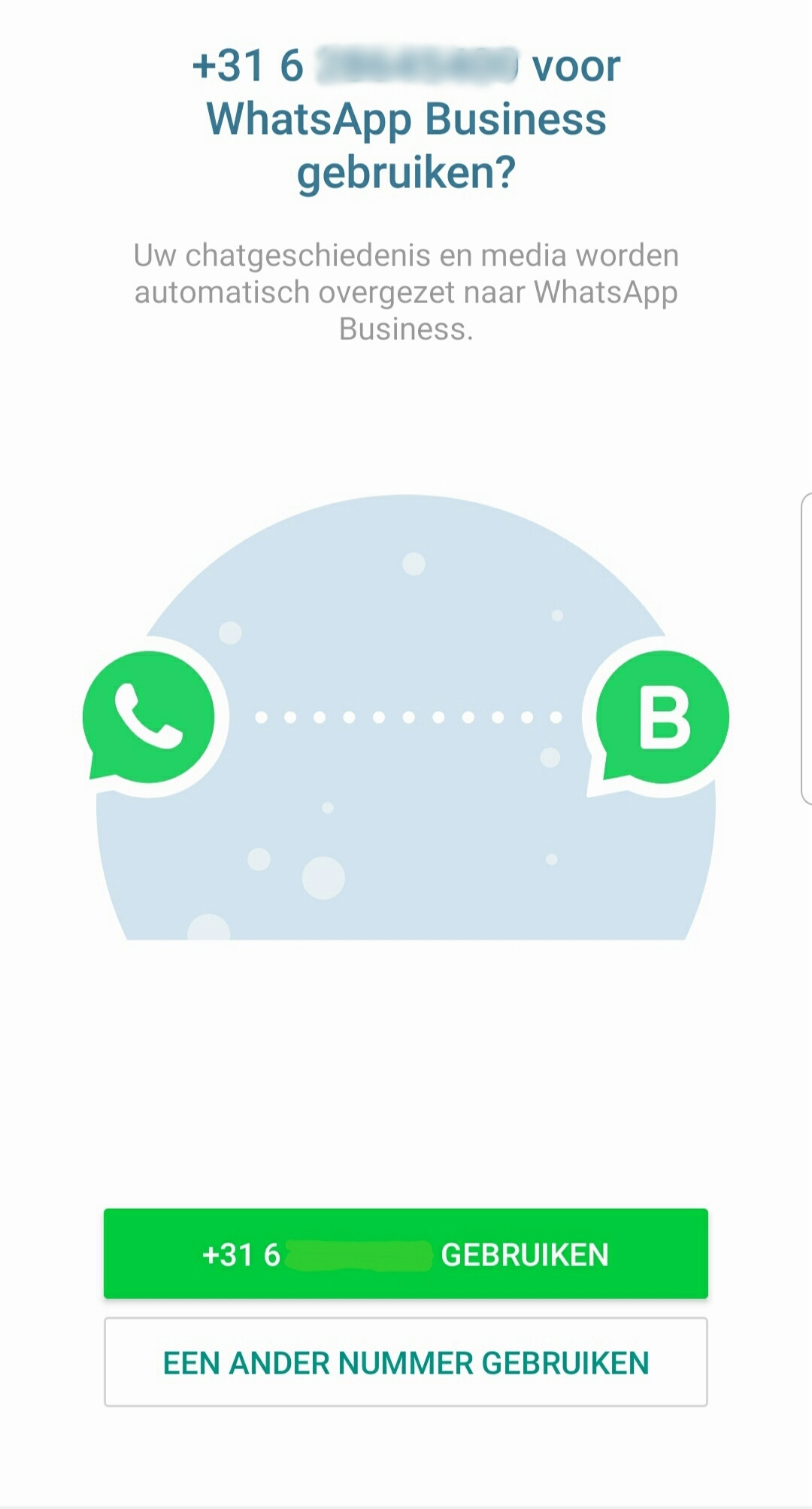
Open the app and verify your number. You can only verify a phone number that you own. This means you can also use a landline number. Using a landline makes it even easier to keep your personal and business communications separate.
Select the Netherlands as your country in the dropdown menu and enter your phone number without the (first) 0. If you click next now, you can choose to receive your verification code via a call. For this, click on ‘call me’. You can then enter the 6-digit verification code.
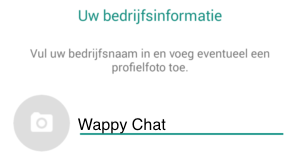
You can now fill in your business information. Enter a business name and then add a status.
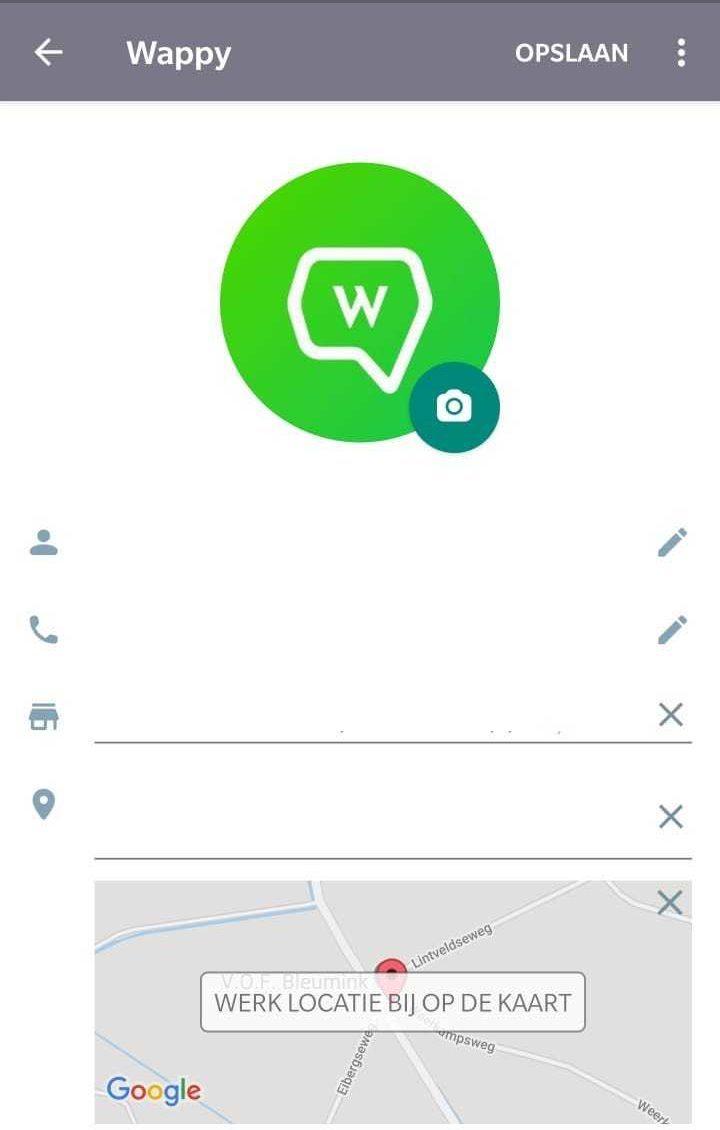
In your settings, you can complete your business profile. Add a logo, an address, location, and opening hours. You can also set up automatic messages here. For example, write a message for when you are absent, a greeting, or create shortcuts for quick responses!

niice
Wappy helps businesses connect with website visitors through WhatsApp. With over 2,400 websites using our widget, we share practical tips on WhatsApp Business and customer communication.
End of this Wappy article🤓

Do you want to try Wappy first? Then we have a free version available for you!
Over 2,400 websites use Wappy for customer contact