|
4 min read
Setting up auto-crawl for your AI Chat: always up-to-date answers
Read more



Do you use WhatsApp Business on your old number and want to create a new account? Or has your phone been stolen or broken and do you want to delete your WhatsApp Business account? In this blog, you will learn how to delete your WhatsApp Business account from your mobile and from your PC.
Last updated: 12 Feb 2026
To delete your WhatsApp Business account, follow these steps:
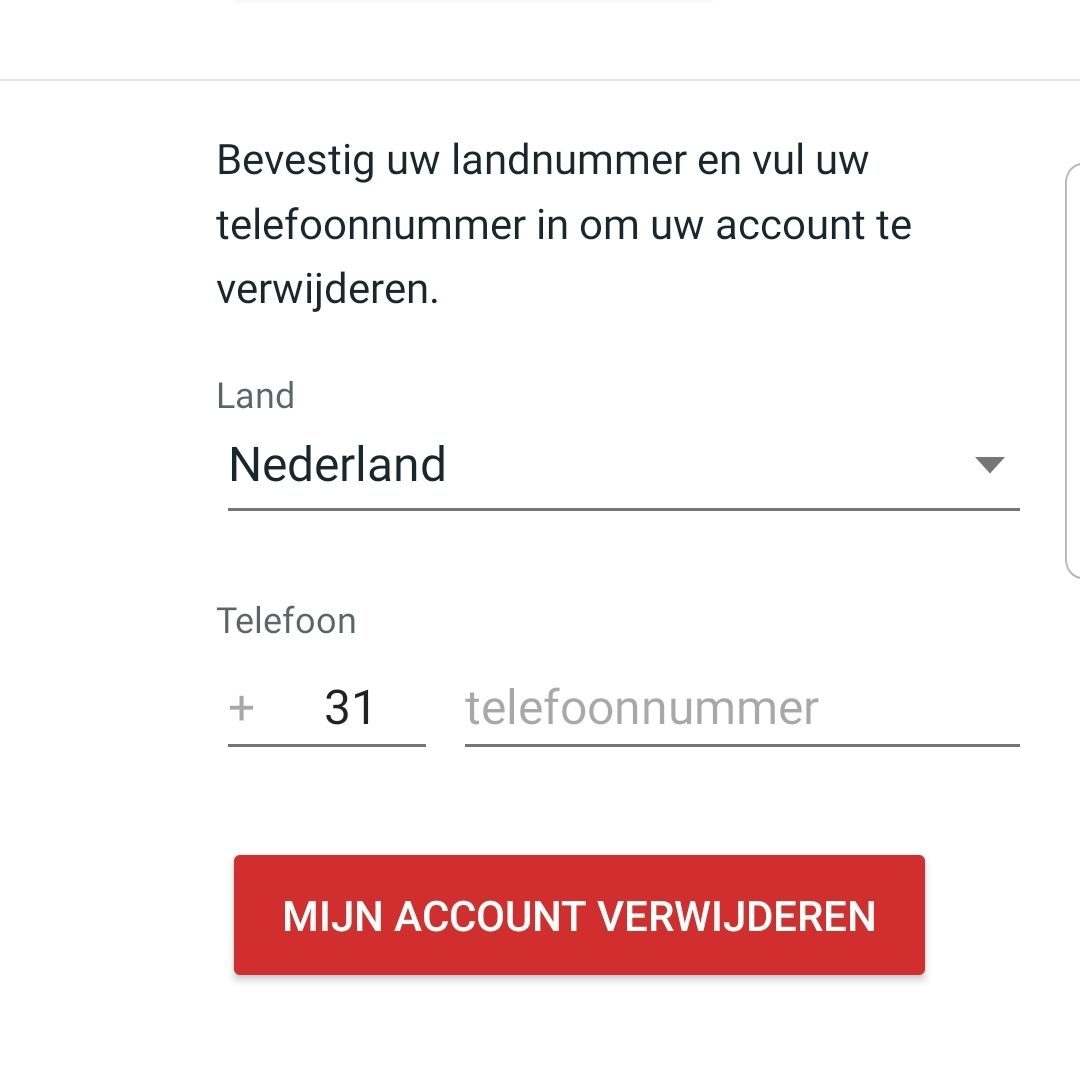
If your phone is stolen, broken, or you have a new mobile and new number? Then you want to be able to delete your WhatsApp account without a phone. The first thing you need to do is block your SIM card. By contacting your mobile provider as soon as possible and blocking your SIM card, your WhatsApp account cannot be verified. This is because SMS messages or calls need to be received. Then you can do two things:
It is important that, in the case of a stolen or lost mobile, you not only block your SIM card but also contact WhatsApp. Otherwise, your WhatsApp account can still be used via Wi-Fi.
Note: Your account will be deactivated, not deleted. This means that contacts can still see your profile and send you messages.

niice
Wappy helps businesses connect with website visitors through WhatsApp. With over 2,400 websites using our widget, we share practical tips on WhatsApp Business and customer communication.
End of this Wappy article🤓


Do you want to try Wappy first? Then we have a free version available for you!
Over 2,400 websites use Wappy for customer contact