|
4 min read
Setting up auto-crawl for your AI Chat: always up-to-date answers
Read more



WhatsApp is available for Android in 60 different languages and for iPhone in 40 languages. Does your WhatsApp Business app not use your preferred language and do you want to know how to change this? Read on here to find out how to do this.
Last updated: 12 Feb 2026
You cannot set your preferred language via WhatsApp itself. WhatsApp uses the language that you have set as the primary language on your phone. So, do you want to change the display language of your WhatsApp Business app? Then change the language of your smartphone. You can follow these steps:
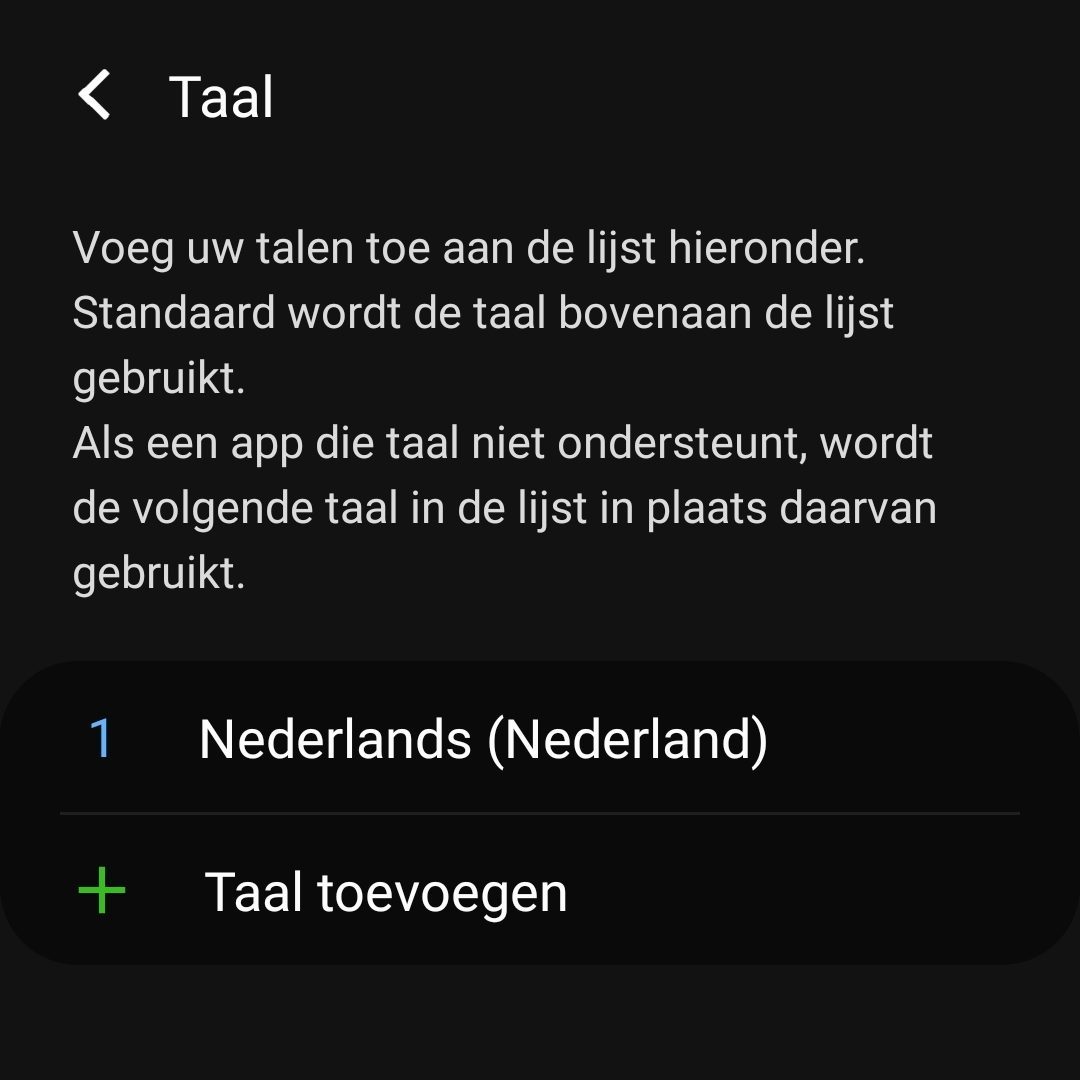
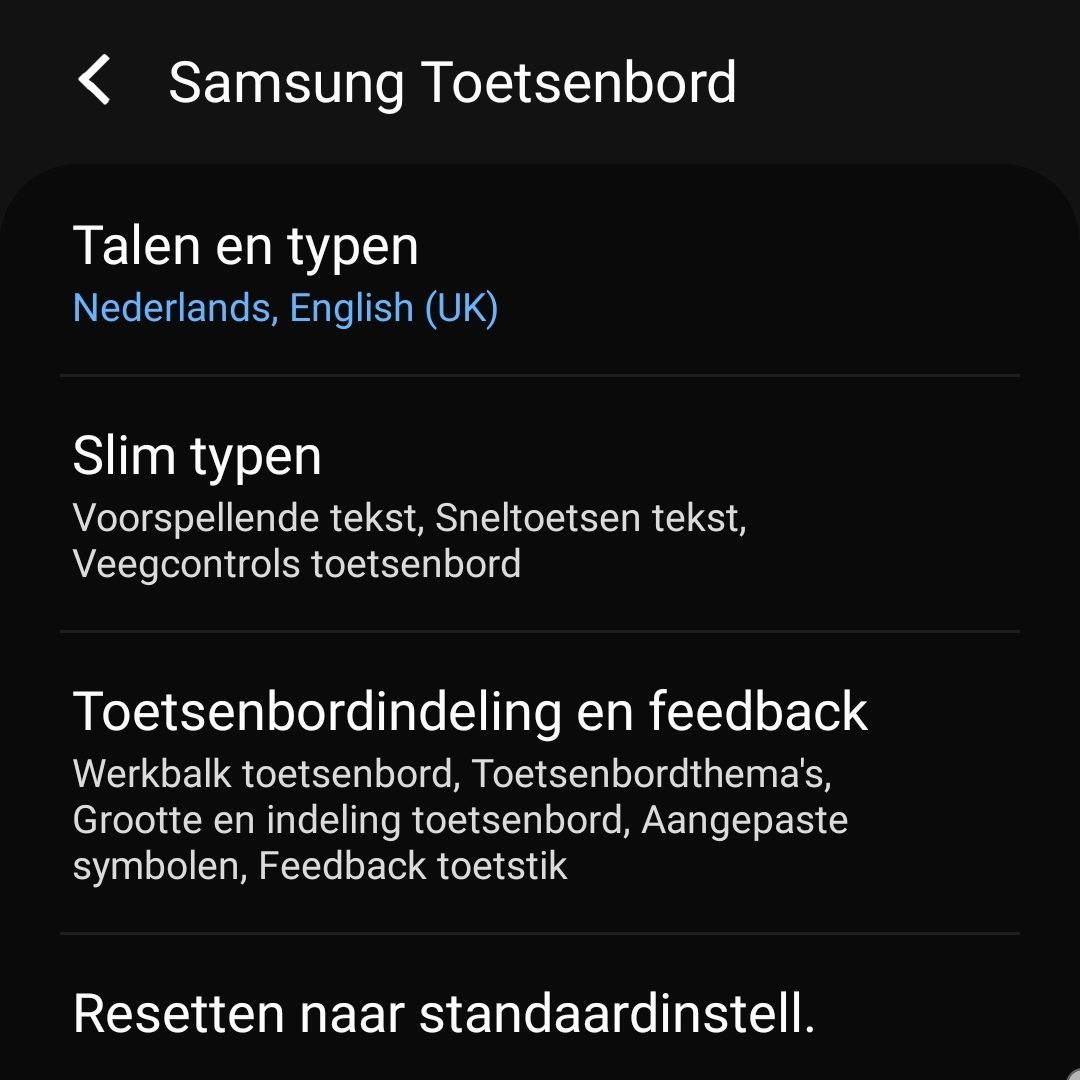
The language of the keyboard you use for WhatsApp Business can also be changed. This is interesting when your keyboard is not set to the language you use most often. Adding multiple keyboards is also beneficial when your business, for example, has Dutch and English customers. By adding a keyboard for both languages, you can communicate with all your customers without the autocorrect changing every word.

niice
Wappy helps businesses connect with website visitors through WhatsApp. With over 2,400 websites using our widget, we share practical tips on WhatsApp Business and customer communication.
End of this Wappy article🤓

Do you want to try Wappy first? Then we have a free version available for you!
Over 2,400 websites use Wappy for customer contact