|
4 min read
Setting up auto-crawl for your AI Chat: always up-to-date answers
Read more



WhatsApp Business offers many advantages for businesses. With the app, you can significantly improve your customer service! You can use WhatsApp Business by following these 5 steps!
Last updated: 12 Feb 2026
WhatsApp Business can be installed on the same device you are already using for WhatsApp. It is convenient to have a second SIM card for this, but it is not a requirement.
Download and install WhatsApp Business via the Google Play Store for Android or via the App Store for iPhone.
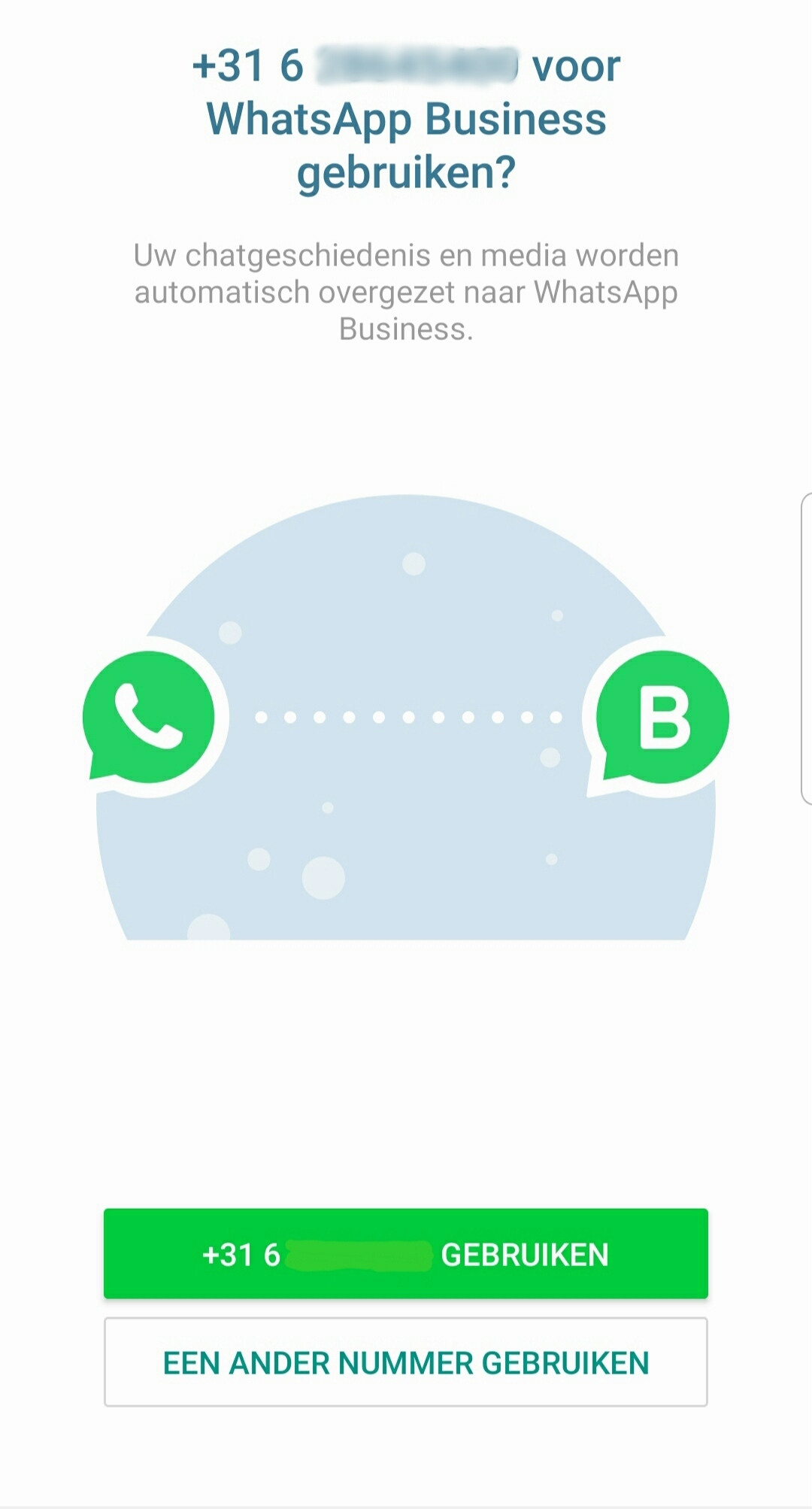
Open the app and verify the number you are going to use. You can choose to use your current number (the one you use for WhatsApp). Your chat history and media will then be automatically transferred to WhatsApp Business.
You can also choose to use a different number, for example, the number of your second SIM card, or your landline number.
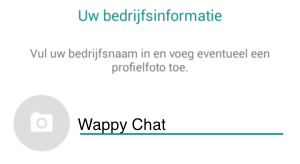
Next, you will see the image below and can fill in your company name and status.
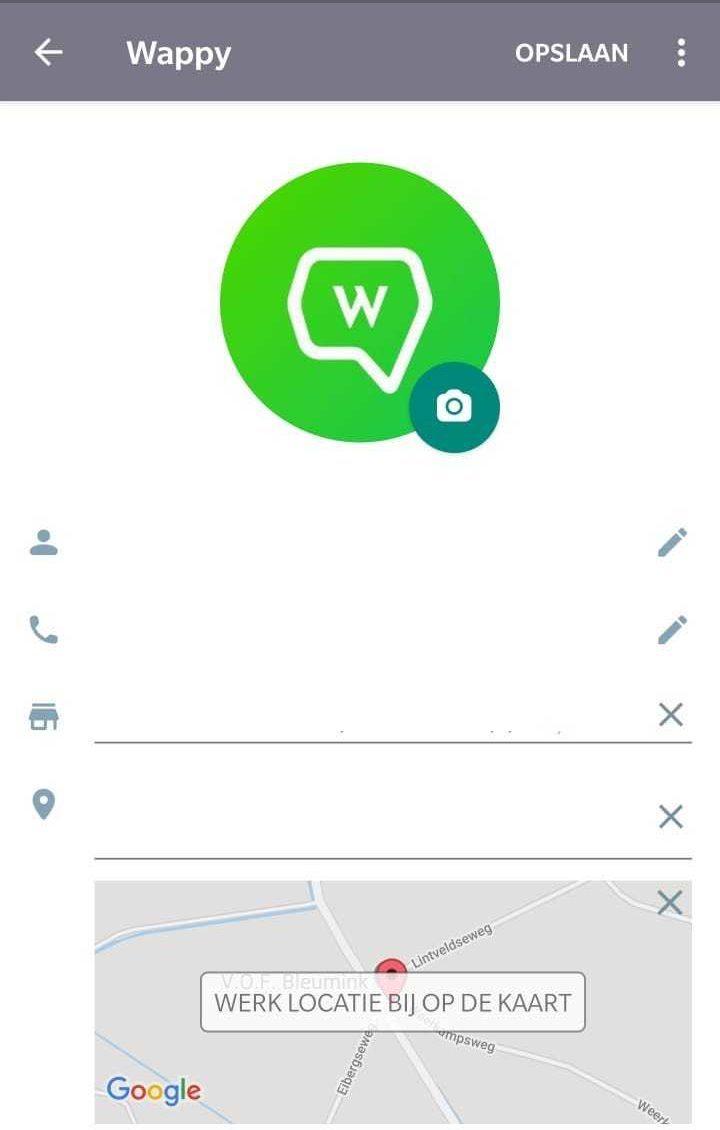
Go to your settings now to complete your business profile. Add a logo, your address, and your location. Set your opening hours, your status, and link to products!
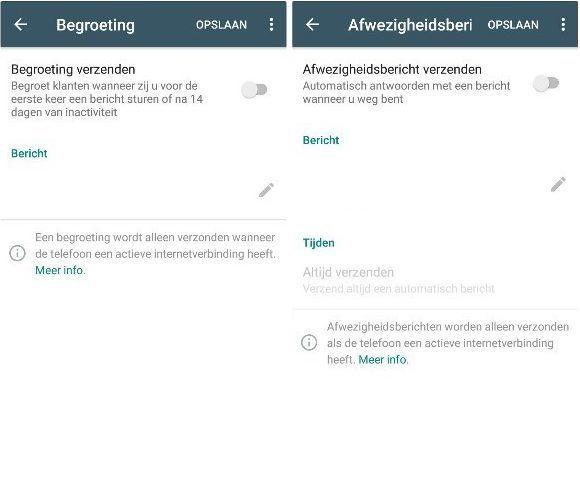
You are now basically ready, but one of the advantages of WhatsApp Business is the ability to set up automatic messages for greetings and when you are away. To do this, go to your settings and then to greeting or away message. Here you can add your own text and personalize it!
You are ready to use WhatsApp Business! Do you want to make the most of WhatsApp Business? Then add Wappy to your website. Wappy is a widget with a WhatsApp chat function for your website. Customers can type a message in it and then send it via their own WhatsApp to your WhatsApp Business. The extra step for your improved customer service!

niice
Wappy helps businesses connect with website visitors through WhatsApp. With over 2,400 websites using our widget, we share practical tips on WhatsApp Business and customer communication.
End of this Wappy article🤓

Do you want to try Wappy first? Then we have a free version available for you!
Over 2,400 websites use Wappy for customer contact